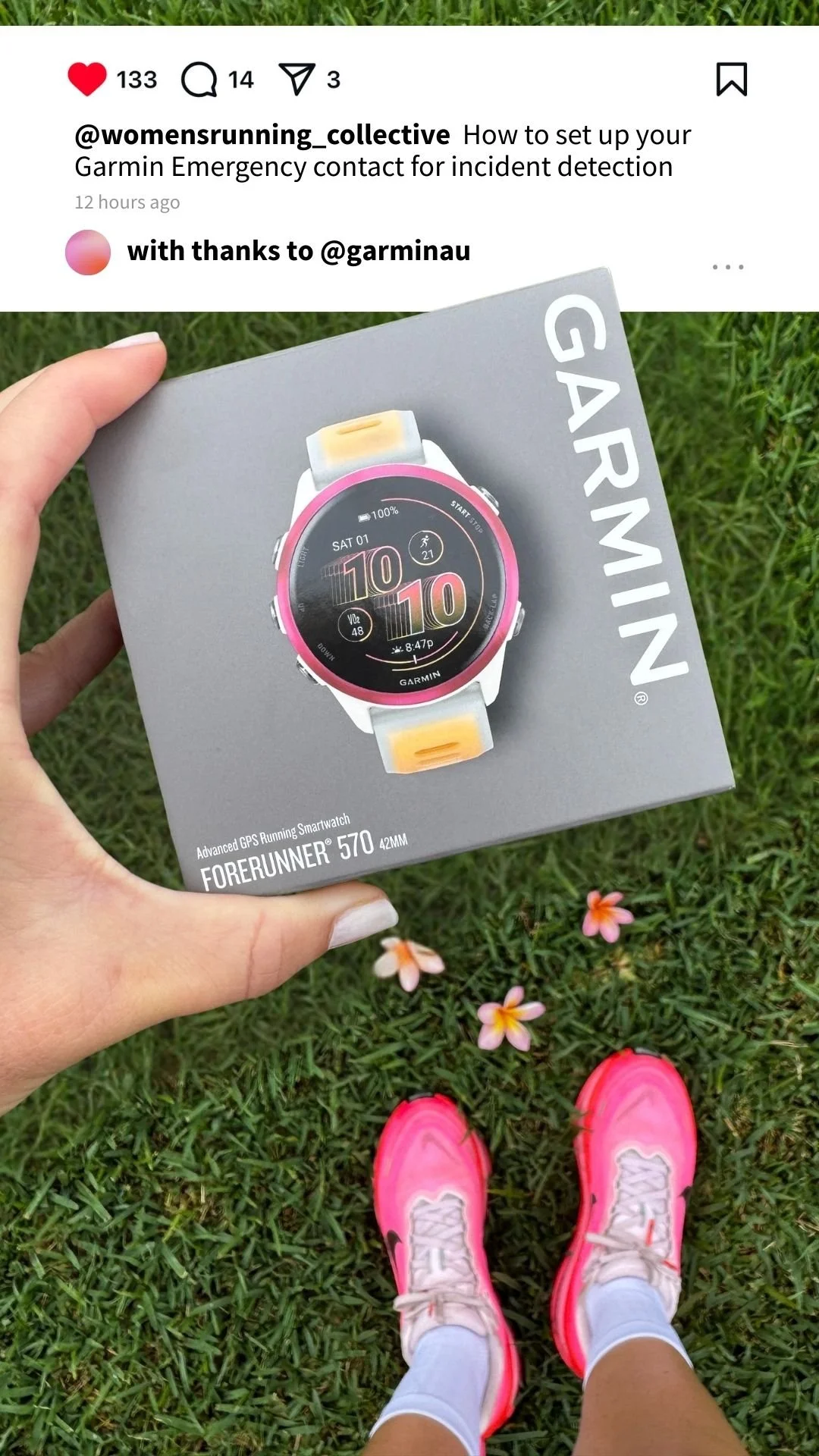
How to set up your Garmin Emergency contact for incident detection.
Why Every Woman Runner Should Set Up Incident Detection on Her Garmin
At The Women’s Running Collective, community and safety will always come first.
Whether you’re heading out for a solo sunrise long run, squeezing in kilometres after work, or exploring new trails on the weekend, you deserve to feel confident and supported every step of the way. One of the simplest (and most overlooked) ways to add an extra layer of safety is by setting up Incident Detection and Emergency Contacts on your Garmin device.
It takes just a few minute but in an emergency, it could make all the difference.
Why Incident Detection Matters
Garmin’s Incident Detection feature can automatically send a message to your chosen emergency contacts if your watch detects a fall or sudden impact during an activity (like a run, ride, or walk). The alert includes your name and real-time GPS location.
For women who often train solo, early in the morning, in the dark, or on isolated trails, this feature adds peace of mind not just for you, but for the people who care about you.
It means:
Someone knows where you are
Help can be alerted quickly
And while we hope you’ll never need it, we believe being proactive about safety is part of being a strong, prepared runner.
Step-by-Step: How to Set Up Incident Detection on Your Garmin
HERE is a how-to Video from Garmin if you would rather follow a video instructions
You’ll need:
Your Garmin watch
The Garmin Connect app on your phone
Bluetooth turned on
Your phone nearby during activities (Incident Detection requires phone connection)
Step 1: Open the Garmin Connect App
Open the app on your smartphone and make sure your watch is connected.
Step 2: Go to Safety & Tracking
Tap More (bottom right on iPhone / top left menu on Android)
Select Safety & Tracking
Step 3: Add Emergency Contacts
Tap Emergency Contacts
Select Add Emergency Contact
Choose someone from your phone contacts
They’ll receive a text/email asking them to accept
Tip: Choose someone who is usually reachable when you’re running.
Step 4: Turn On Incident Detection
Go back to Safety & Tracking
Tap Incident Detection
Toggle it ON for the activities you want (Run, Trail Run, Walk, Ride, etc.)
Step 5: Test It
You can manually trigger an alert to show your contact what it looks like:
During an activity, hold down the designated button (varies by model) to activate assistance. (usually the light button if you have a 5 button Garmin) but check it out on the Garmin website if unsure.
A Few Important Things to Know
Your phone must be connected for alerts to send.
You can cancel the alert within a short countdown window if it was triggered accidentally.
You can also enable LiveTrack to allow someone to follow your run in real time.
Strong, Supported, and Safe
At The Women’s Running Collective, we believe empowerment includes preparation. Setting up Incident Detection is a small action that reflects a bigger mindset — we look after ourselves and we look out for each other.
So before your next run, take five minutes to get it set up.
Because running free feels even better when you run smart. 💛
XO Hayles & Jussie